

Can we make an elevation (height) map of the land

More Information


%20--%3e%3csvg%20version='1.1'%20id='Layer_1'%20xmlns='http://www.w3.org/2000/svg'%20xmlns:xlink='http://www.w3.org/1999/xlink'%20x='0px'%20y='0px'%20viewBox='0%200%2064%2063'%20style='enable-background:new%200%200%2064%2063;'%20xml:space='preserve'%3e%3cstyle%20type='text/css'%3e%20.st0{fill:%23231F20;}%20%3c/style%3e%3cdesc%3eCreated%20with%20Sketch.%3c/desc%3e%3cg%20id='Page-1'%3e%3cg%20id='OA-Logo-Black-Background'%3e%3cpath%20id='Shape'%20class='st0'%20d='M14.1,30.1c-1.5-0.8-8.6-3.8-14.1-7.8c1.8-3.4,3.1-5.6,5-9.1c2.7,1.1,1.9,0.5,4.6,1.7%20c0.8,0.4,10.1,4.5,13.8,6.2c2.4,1.1,4.7,2.2,7,3.3L43,30.5l8.1,3.9c4,2,7.2,3.5,11.3,5.5c0.5,0.3-3.7,9.4-3.7,9.4%20c-1.7-0.6-3.9-1.8-5.5-2.5c-4.7-2.1-9-3.9-13.7-6c-4-1.8-6.7-2.9-10.8-4.5C25,34.9,17.1,31.6,14.1,30.1z'/%3e%3cpath%20id='Shape_1_'%20class='st0'%20d='M12.1,54.9c-0.8,0.6-1.6,1.2-2.5,1.6c-0.4-0.5-0.9-1-1.3-1.5c-0.3-1.2-2.3-4.9-2.7-6.2%20c-0.1-0.4-0.7-2.2-0.8-2.6c0,0,5-3.4,8.2-5.9c3.2-2.6,6.2-5,9.3-7.5c1.4-1.1,3.9-2.5,5.3-3.5c2.5-1.7,13-9.1,15.6-10.5%20c5.4-3.3,11.1-6.3,16.8-9c1.7,3.5,1.8,3,3.8,6.9c0,0-17.8,13.5-22.7,17.1c-3.8,2.8-7.5,5.7-11.3,8.5c-1.7,1.3-3.5,2.4-5.2,3.7'/%3e%3cpath%20id='Shape_2_'%20class='st0'%20d='M20.8,2.9l-0.2-0.8C25,0,31.2-0.3,31.4,0.2c0.4,1.1,0.9,2.2,1.2,3.4c1.4,4.4,2.7,8.7,4,13.1%20c0.4,1.4,2.8,10,2.9,10.5c0.5,2.8,1.2,5.6,1.6,8.4c0.8,4.7,1.4,8.6,2.3,13.3c0.6,3.1,1.3,6.3,2.3,11.3c0,0-5.8,1.4-7.5,1.8%20c-0.8,0.2-1.5,0.4-2.4,0.6c-0.3-1.1-0.2-1.2-0.5-2.1c-0.9-3.7-1.8-7.3-2.6-11c-1.5-6.4-3-12.9-4.4-19.3%20c-1.2-5.4-2.6-10.7-4.4-15.9c-1-3.1-1.8-6.3-2.7-9.5C21.1,3.8,21,3.8,20.8,2.9z'/%3e%3c/g%3e%3c/g%3e%3c/svg%3e)


1
Online Contour Map Creator
Published 4yPublished over 4 years ago
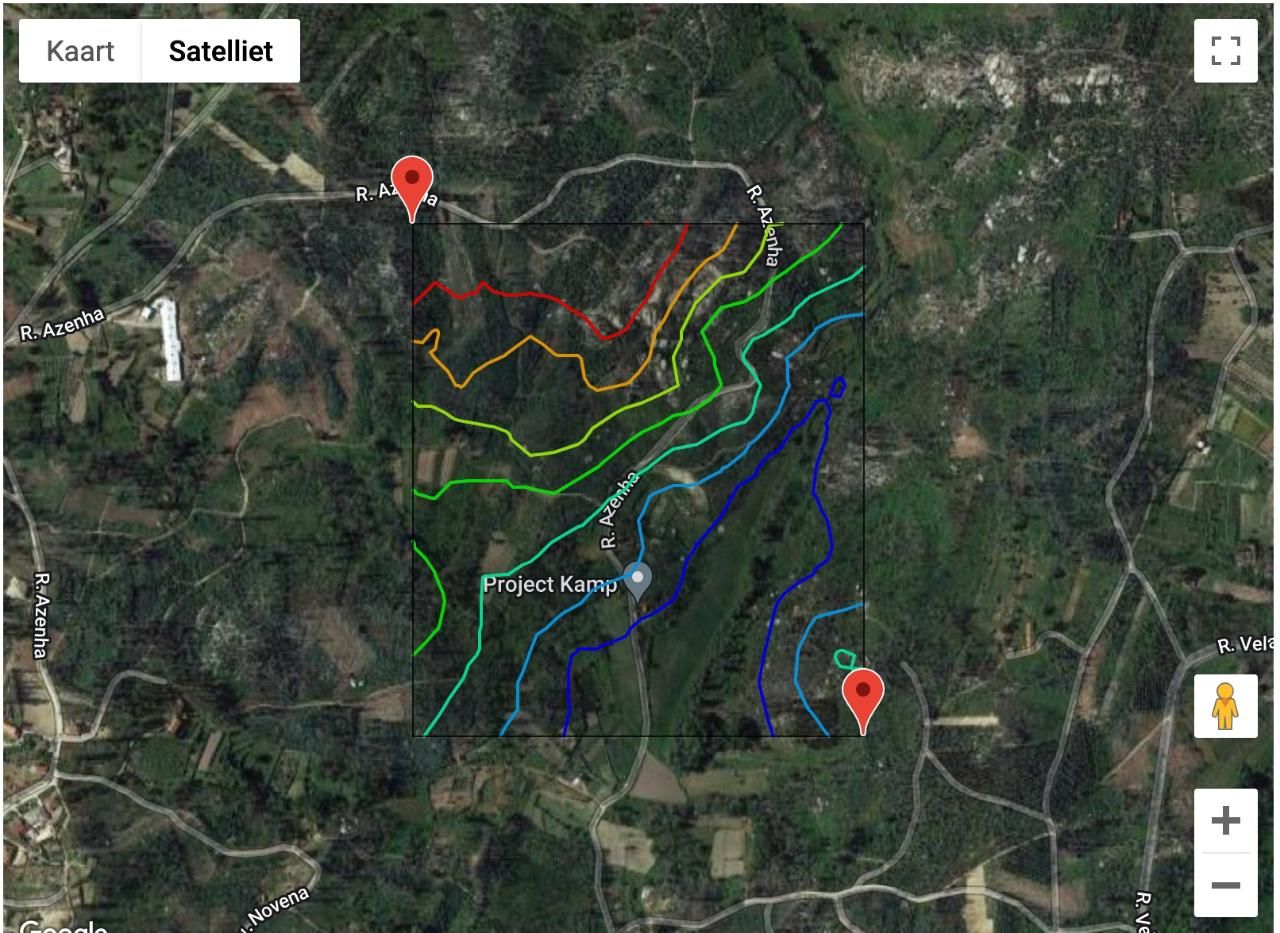
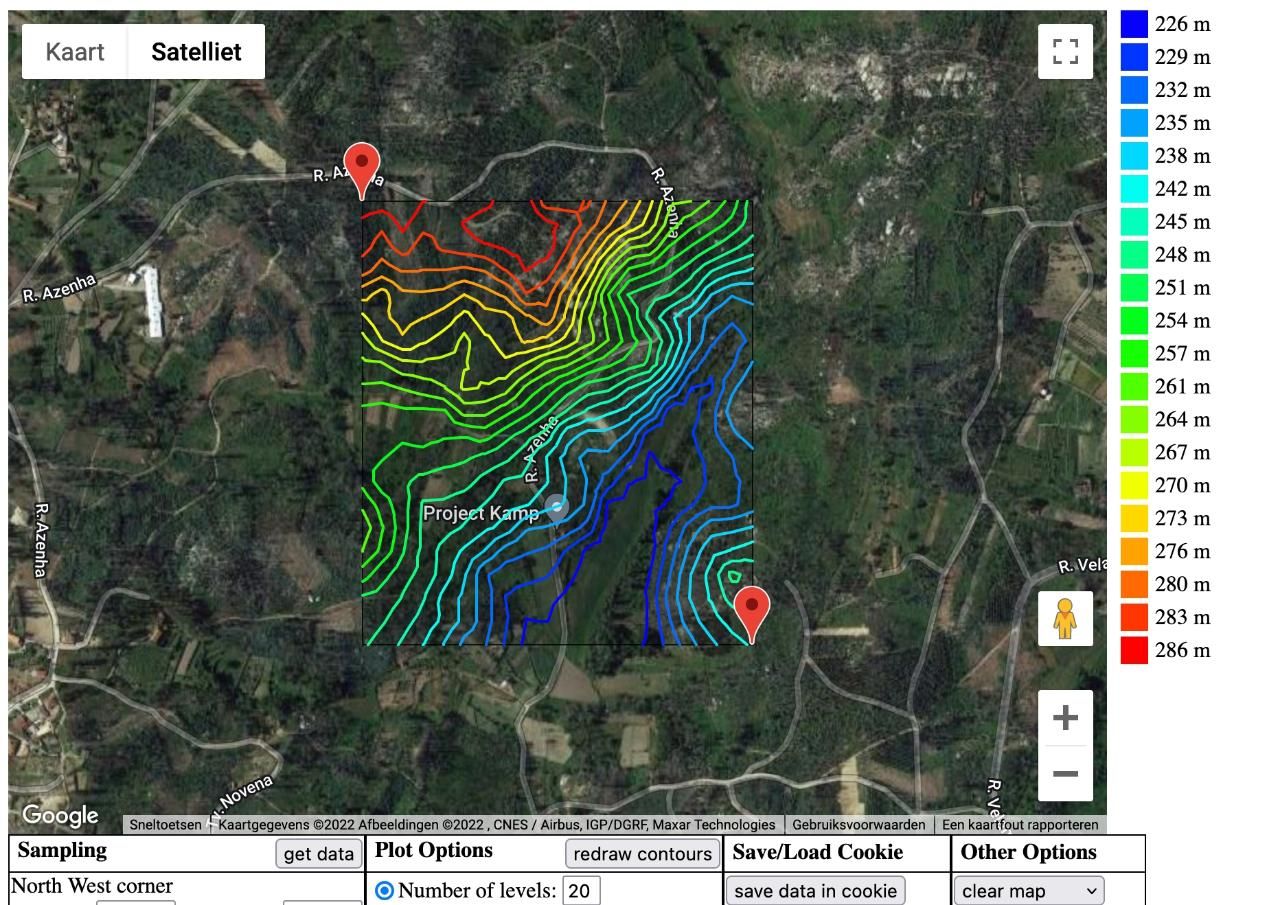
We found this tool online that generates contour lines from maps.
https://contourmapcreator.urgr8.ch/
How it works:
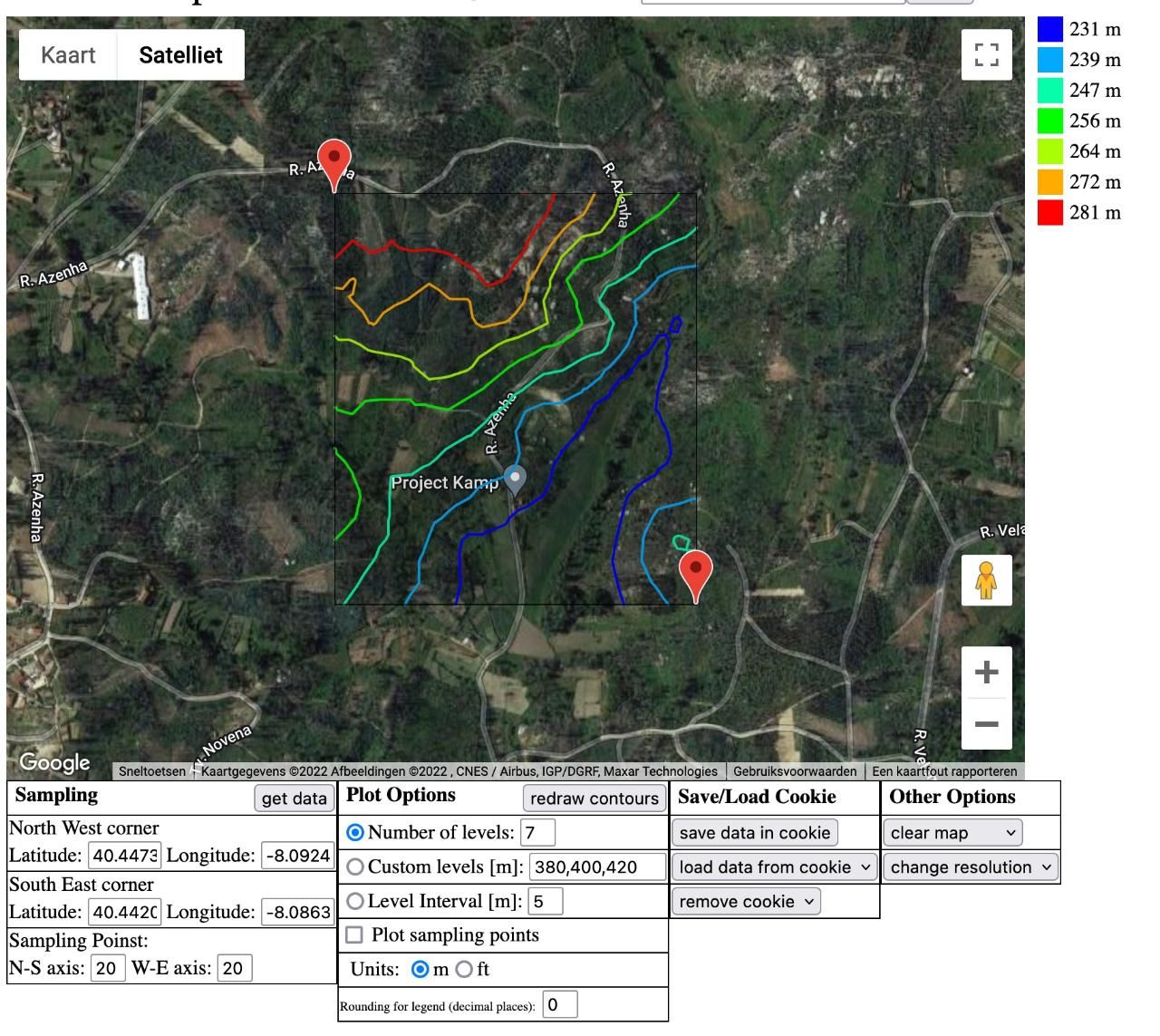
1: You select a location in the world and draw your area
2. Generate contour lines
3: Adjust settings. You can set the amout of lines or the interval between them
Visually it looks cool and is super easy to do. But not sure how to go from this data to a file that we can actually use.
We can download the data as a .svg files but it are just lines. Not a 3D model in heights..
Download here: https://drive.google.com/file/d/1fmOyXZU6_EzXKj3li5if8BKqi19MAGLr/view?usp=sharing
But perhaps the next step is to manually create the height map from these lines?
We will keep exploring some other tools online!
2
Greyscale displacement map
Edited 4yPublished over 4 years ago. Last edit over 4 years ago
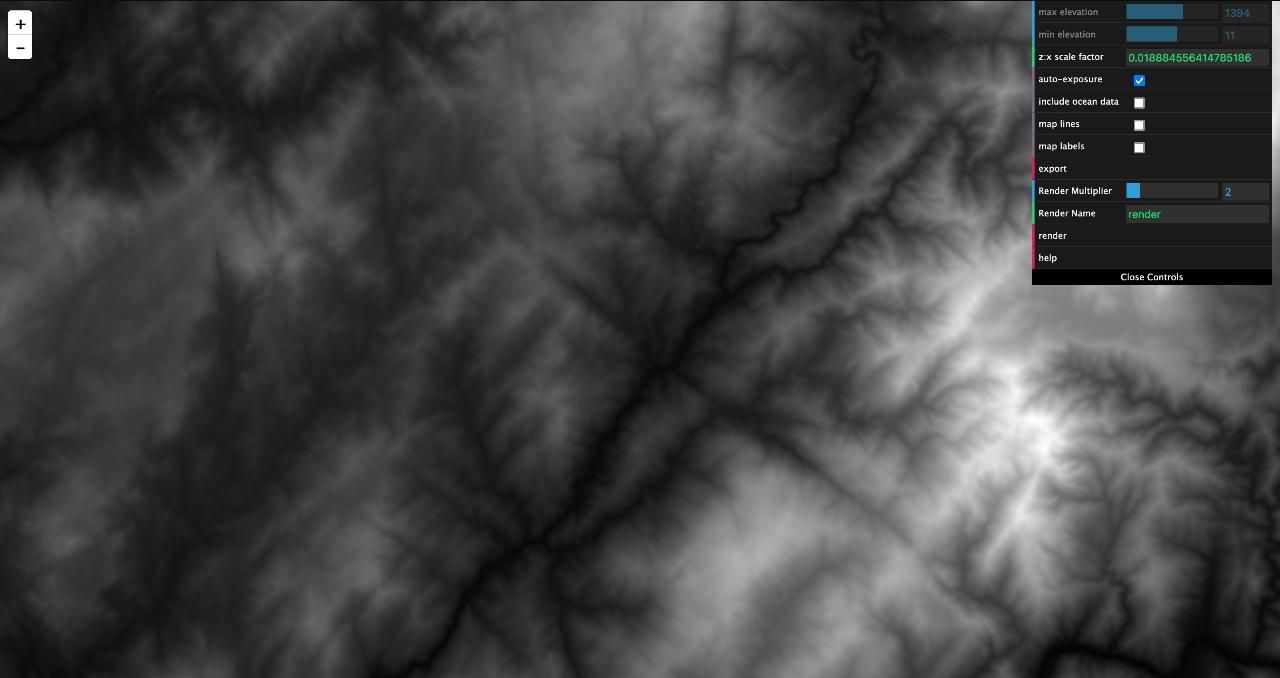
Found another tool that will generate a black and white map from an area.
https://tangrams.github.io/heightmapper/#11.7125/41.2240/-8.0505
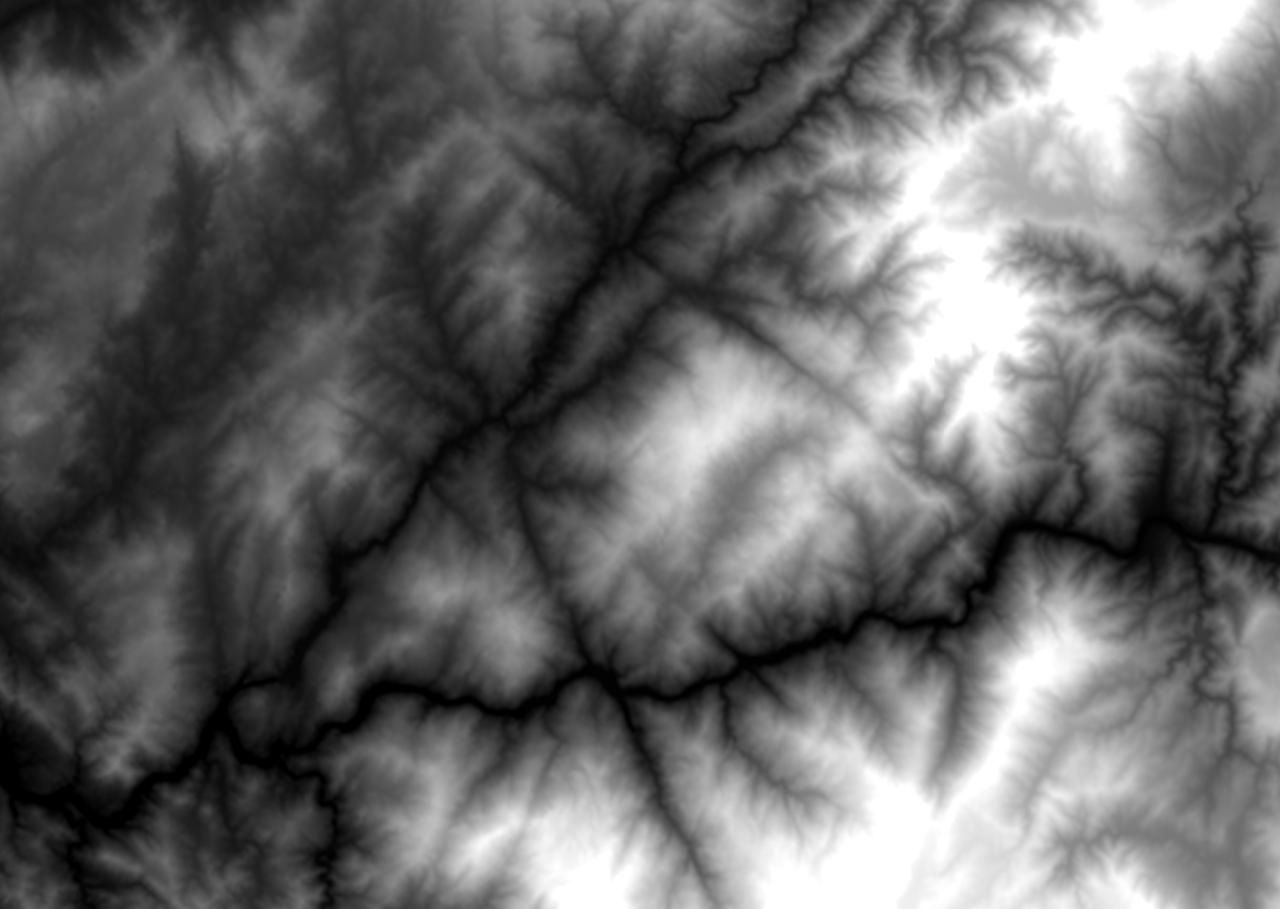
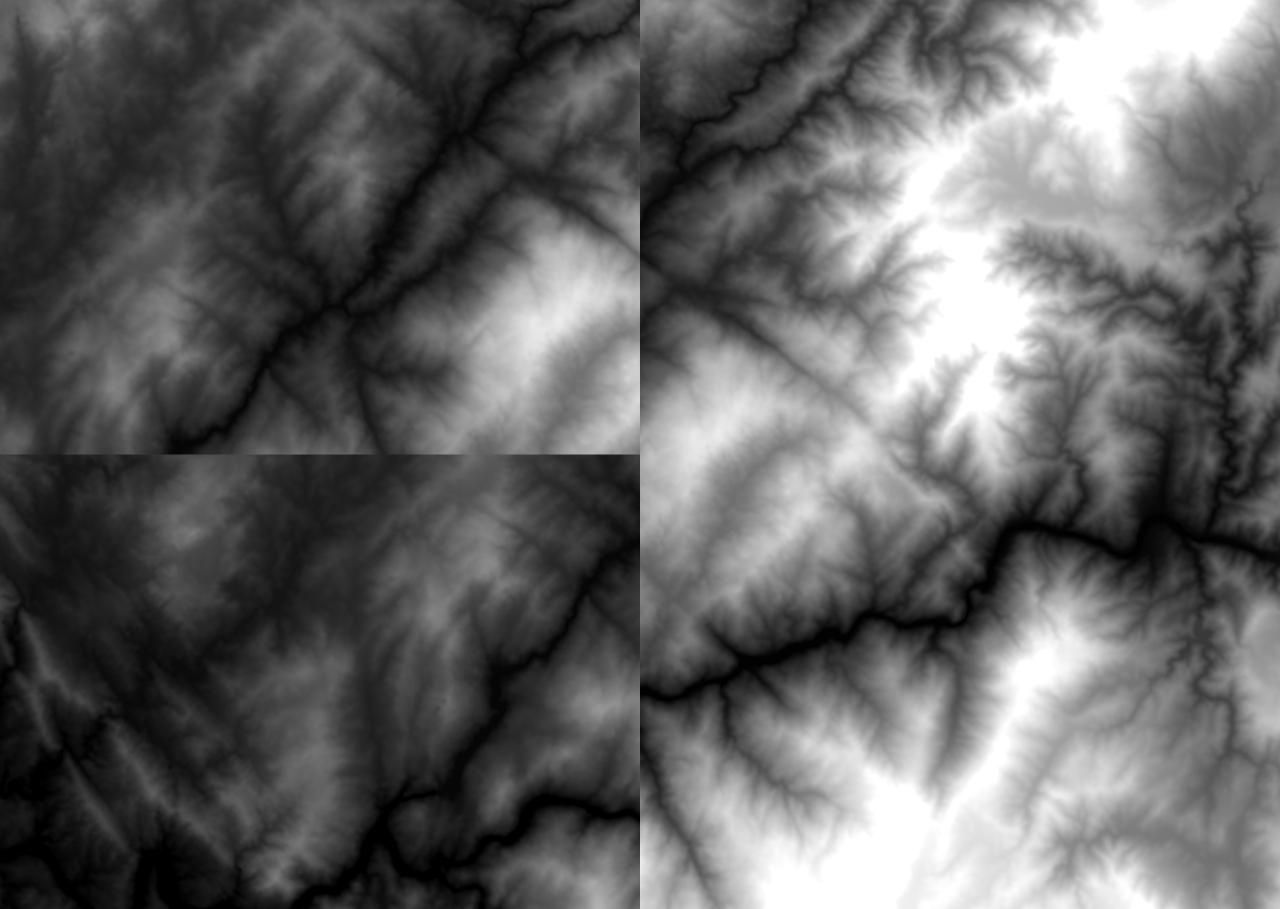
White areas are heigh and black are low. This can be used as a displacement map in CAD software to make it 3D.
Funny way to make 3D. However It doesnt give contour lines (but perhaps you do in 3D software)
Not to convinced about it. Very hard to find your location and the map is not very detailed
3
GIS Plugin for Blender
Edited 4yPublished over 4 years ago. Last edit over 4 years ago
Another tryout made by @Till
Its made with a GIS plugin for Blender that takes data from OpenTopography.
Geographic Information System (GIS) is like a worldwide standard for geo data. The Blender plugin is called BlenderGIS (https://github.com/domlysz/BlenderGIS). It can pull data from OpenTopography for elevation and then pulls the texture from Google Maps (other sources are possible too). The best elevation data I could find has a resolution of 30 meters. The dataset is called OpenTopography SRTM 30m. All that gets turned into a textured mesh and you can render it however you like.
Below an image of the land. The resolution isn't very high. (height exaggerated for dramatic effect)
View 360° https://drive.google.com/file/d/19npbXD62UX_mZSddRZTSW_-JRmpWPZmT/view?usp=sharing

4
Cleaned up heightmap
Published 4yPublished over 4 years ago
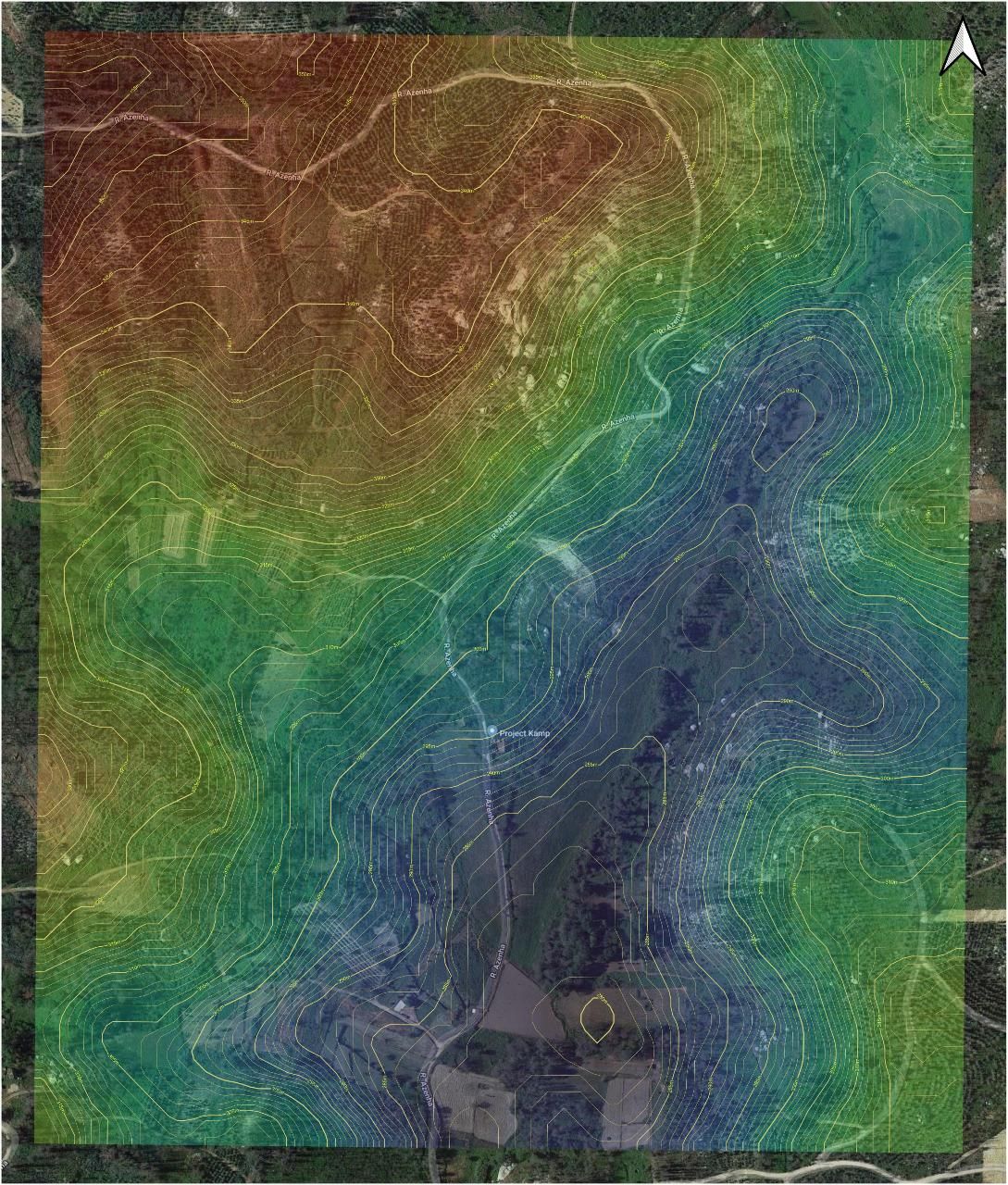
Here is another height map made by Moritz. He downloaded the SAR data (free if registered) from https://search.asf.alaska.edu/ and imported it to QGIS (Open source GIS software).
Clipped the region of interest, added a color palette (by default its displayed in b&w) and added some transparency to make the underlying Google Satellite layer visible. Next, used the inbuilt function in QGIS to extract the contour lines, added the height info and a bit of styling.
5
Height map made from contours
Edited 4yPublished over 4 years ago. Last edit over 4 years ago
Using the data from Step 1 @janovich made a 3D model in Blender. In the video below you can see how he made it. The 3D model can be downloaded here, we've actually made one big folder with all the files and maps gathered in this topic. Download: https://drive.google.com/drive/folders/1PtHchsmrs7eQbC7TyY58gKpIvSEooA-1?usp=sharing
So far making height maps and models using online data has been going surprisingly well.
Next we want to try to make a model with a drone to test and compare the differences.
6
Creating a map with the drone
Edited 4yPublished over 4 years ago. Last edit over 4 years ago
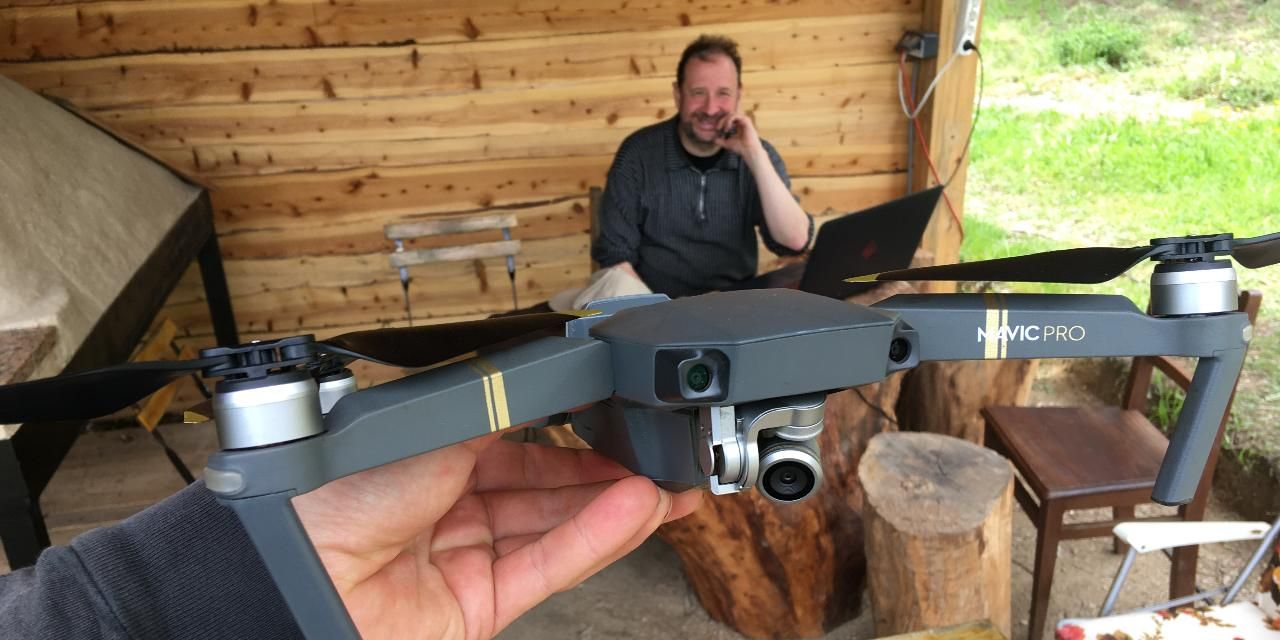
For this step Marc Helped us out. He came to the land to fly his drone.
He was a bit worried that the trees would be a problem for the photogrammetry. To find the actual ground height and creating big file sizes. Very detailed maps would be hard for the entire land.
So he decide to capture detailed areas of the land where we spend most time. (Basekamp, Community Center and rocky area)
He figured when flying higher with the drone the amount of detail in the photos would be less, resulting in a much smaller mesh.
After raising the height to 150m. (the max in Pix4DCapture) instead of the standard 50m.
We made a single grid polygon flight, which also saves photos because it doesn't have to be a rectangle anymore.
This flight went very well, 13 minutes in the air so no need for battery changes and reproducible because the project is saved.
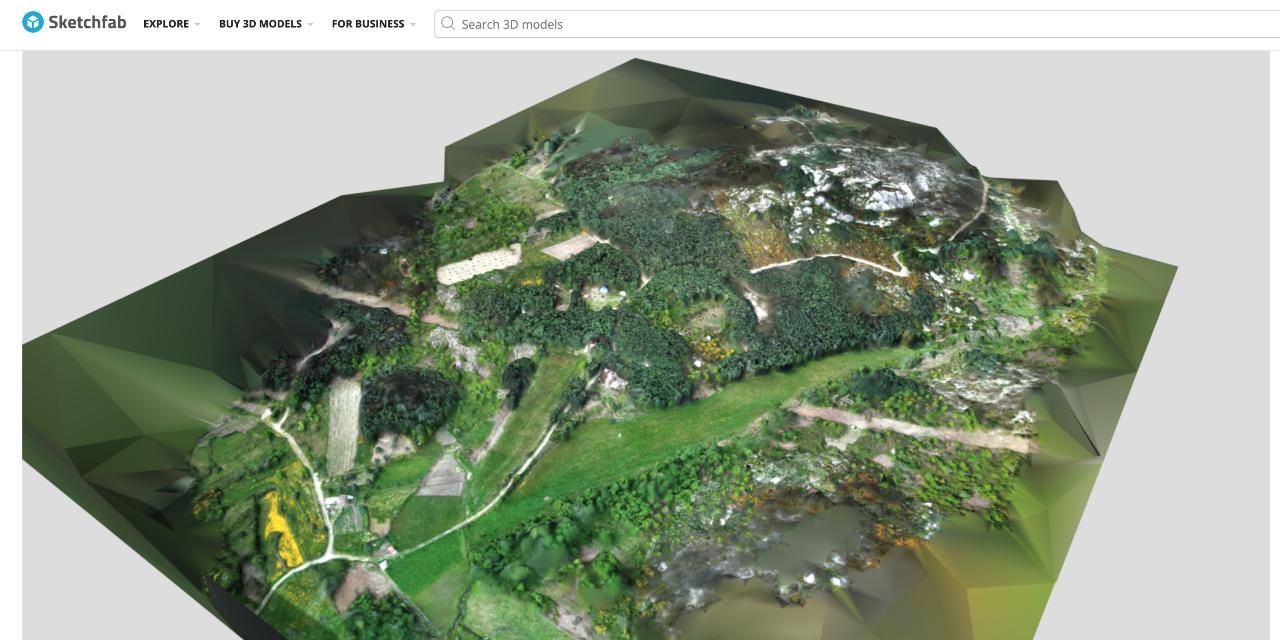
With RealityCapture he made a good mesh from the photoset. By changing the texture to jpg and doing some mesh cleaning the file size was under 100mb so we could upload to sketchfab
.
Programs used:
Pix4DCapture. This app programs and controls the drone to fly in a pattern in order to capture a photoset of the ground area.
Pix3DMapper & RealityCapture to turn the photosets into a 3D model.
📁 Find all the files of the flight here: https://drive.google.com/drive/folders/1YRLgbJF1CHyIRgqtGW7GlWw3qwrKl1HO?usp=sharing
⛰ Sketchfab here: https://skfb.ly/o9U8K
7
Here is how we made the Drone Map
Published 4yPublished over 4 years ago
In this video you can see the making of the drone map. Marc shows step by step how it's done in the first minutes. Starting at 0:30